
Hiring, employees & labor
Build the team, cover the shift and prepare reviewable labor records.
- Recruiting & interviews
- Employee onboarding
- Schedules & coverage
- Availability & trades
- Time clocks
- Payroll preparation
Eight connected apps. Ready for your restaurant.
One connected platform for your team, guests, service, inventory, and back office.
Hire and onboard employees. Build schedules and prepare payroll records. Manage reservations, orders, kitchen flow, stock, purchasing, food labels, daily operations, and financial reporting.
Find the work first. Then see the application and package that cover it.
Build the team, cover the shift and prepare reviewable labor records.
Bring the front door, the floor and the guest’s next request into view.
Carry an order from the menu to the kitchen, fulfillment and payment.
Follow the products your restaurant buys, counts, uses and labels.
Give the operating day a plan, an accountable handoff and a traceable close.
Plan the next guest visit and review the evidence behind your next decision.
Explore real HospiEdge workspaces for staffing, guest service, kitchen operations, inventory and finance. Open any demo screen at full size for a closer look.
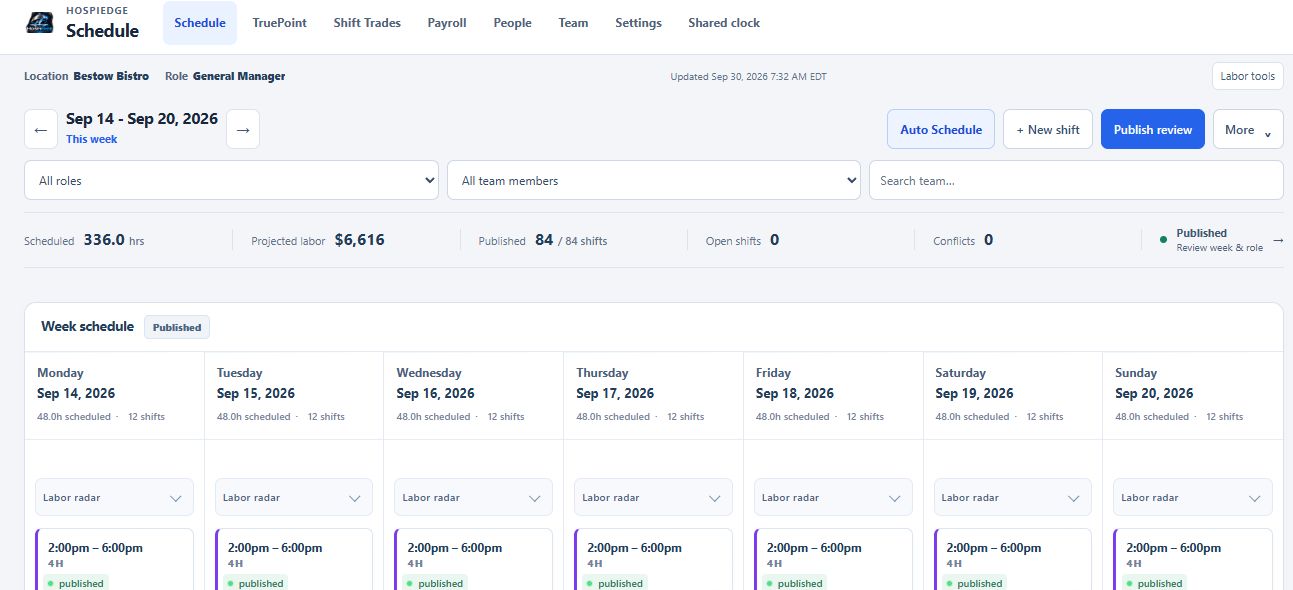
Bestow Bistow · Demo restaurant. Review the September 14–20 demo week: 84 published shifts and 336 scheduled hours. Projected labor is an estimate; employee names are hidden.
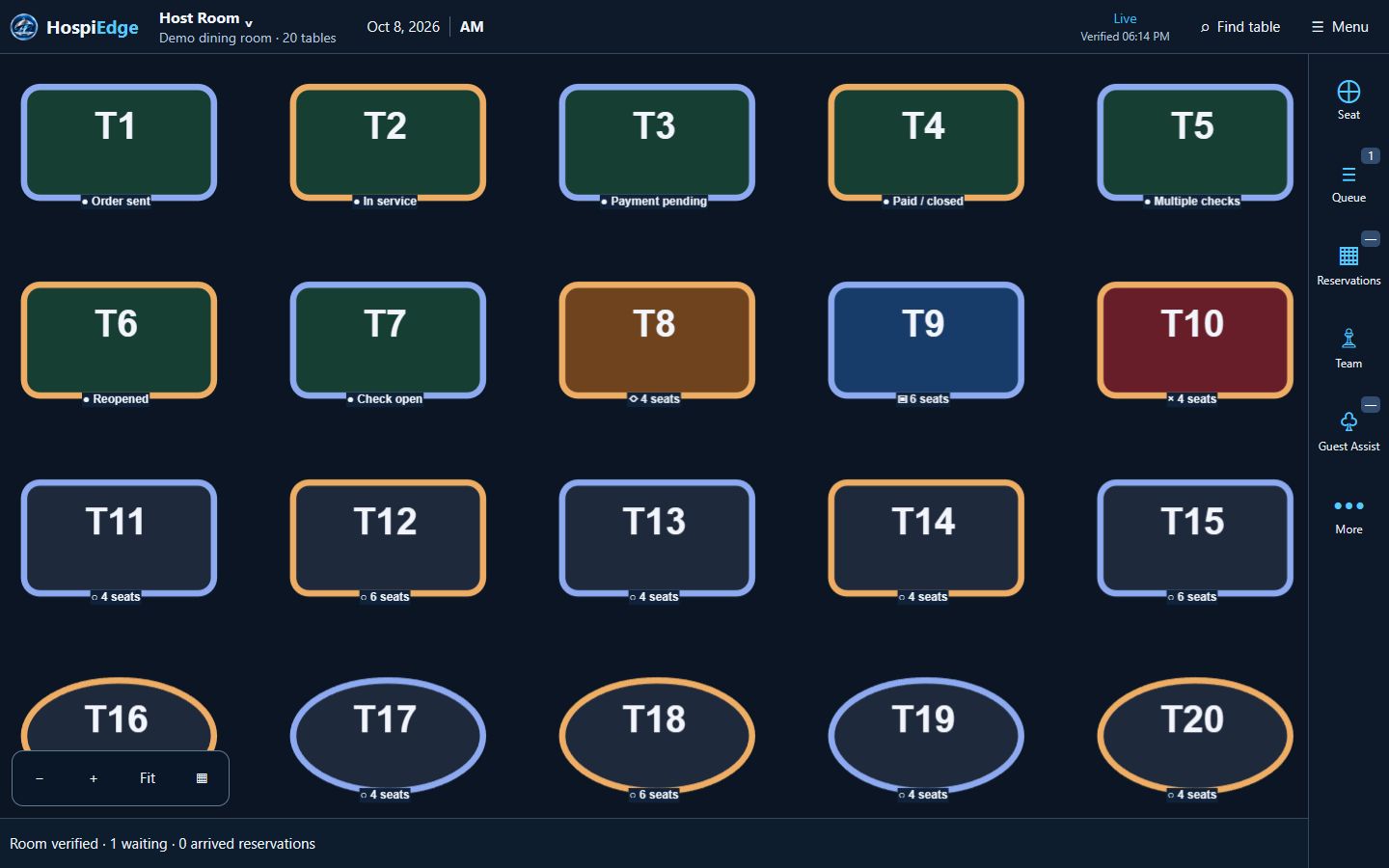
HospiEdge · Demo restaurant. Follow the dining room, queue and example service statuses from the redesigned host board. The room and service records shown use demonstration data.
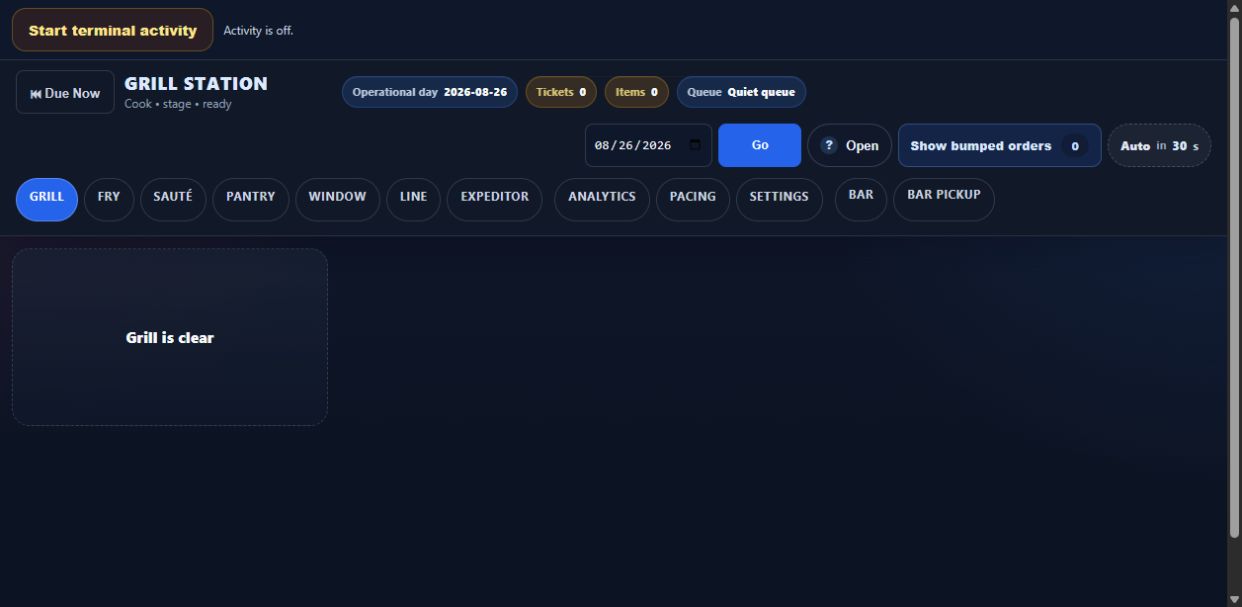
Test Location 1 · Demo kitchen before service, with an empty ticket queue. Review the Grill station and its line, expo and bar controls.
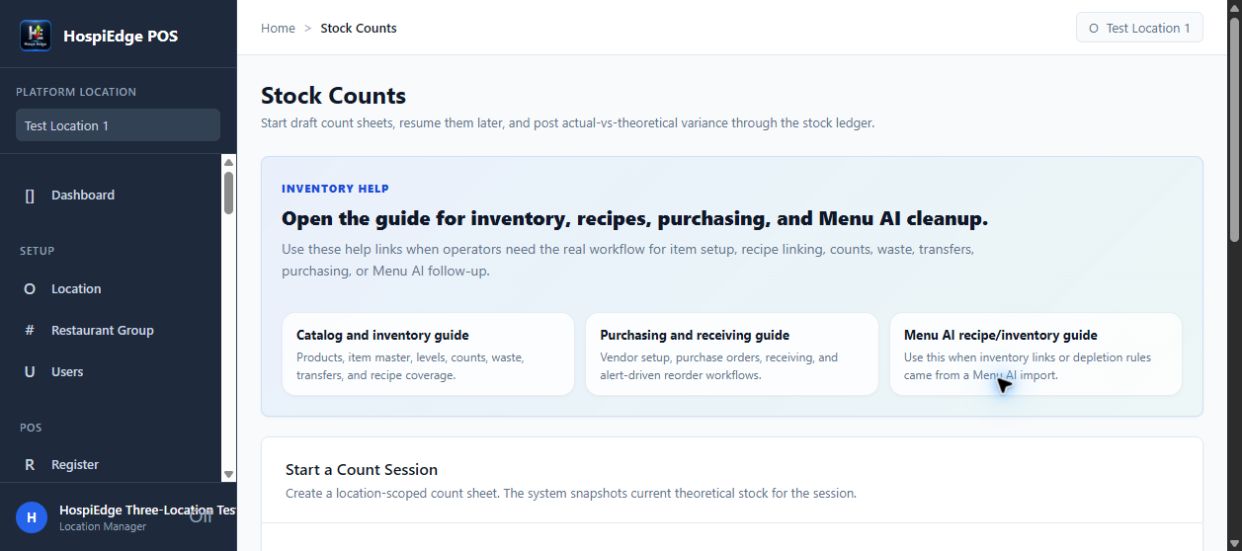
Test Location 1 · Demo count-session setup. Start a location-scoped inventory count and return to saved count work from the same workspace.
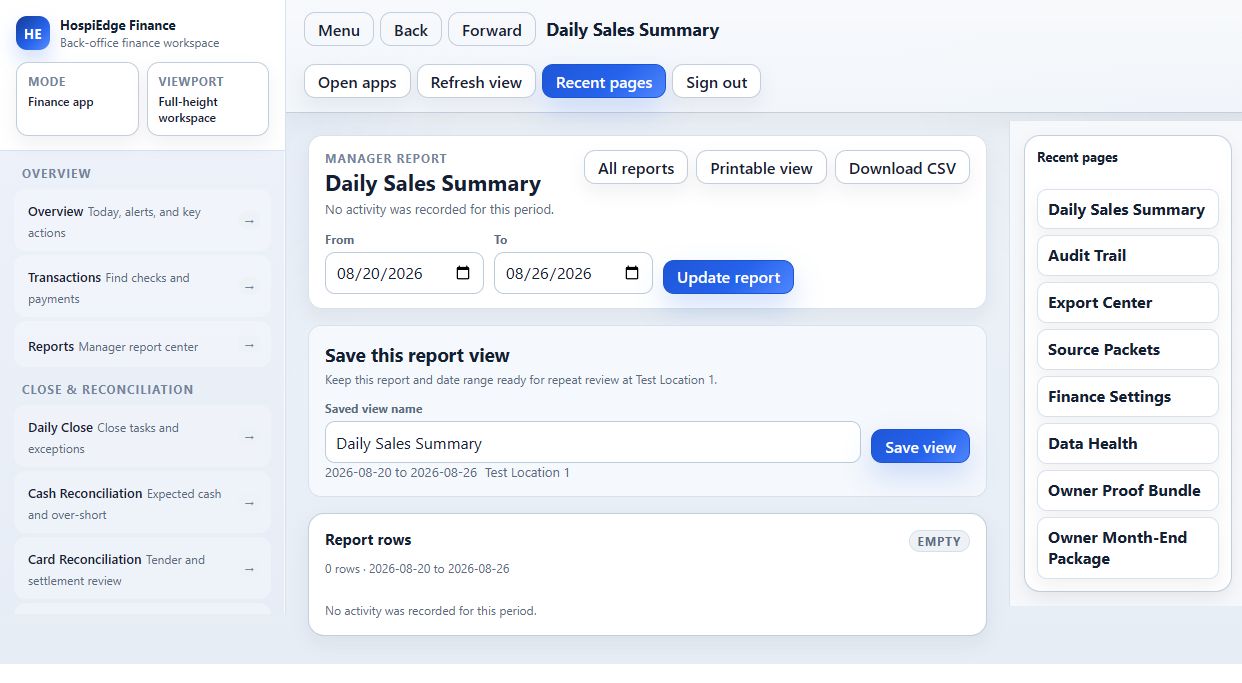
Test Location 1 · Demo restaurant. Choose the reporting period and review the Daily Sales Summary with print, CSV export and saved-view controls. Demo workspace.
The same person, party or operating record carries the context. Setup and human approvals remain part of the journey.
Approved hire → workforce setup → published schedule → eligible service assignment → reviewed time and labor records.
Follow the employee journey →Reservation or waitlist → host seating → linked check → kitchen work → payment status → table clearing.
Follow the service journey →Sales, payroll and receiving records → financial review → explained exceptions → authorized close and follow-up.
Follow the closing journey →Become a HospiEdge Launch Partner
Start with the workflows your team needs most, agree a guided rollout and share practical feedback from real operations. Applying starts a fit review; acceptance, onboarding and billing are separate steps.
Shalom Bennett, founder and CEO of Bennett Edge Group, is the person behind HospiEdge. The rollout begins with the restaurant’s actual needs, equipment and team responsibilities.

Launch timing depends on your data, hardware, team size, and which apps you start with. Onboarding is included, and the rollout path is built around the first workflow your restaurant needs to fix.
No. Start with the workflow causing the most pain, train the team on it, and add the next HospiEdge capability when the restaurant is ready.
No. HospiEdge uses one platform identity and one app launcher, while still protecting each restaurant, location, role, and licensed capability.
Yes. Authorized managers can work from home through the cloud with internet access. Hybrid adds supported POS and HETable continuity on the installed Windows computer; separate tablets need internet.
Yes. Cloud-first operation uses browser devices and internet with no local Windows host required. Optional Hybrid adds supported POS and HETable continuity on the installed restaurant computer.
Master AI is a Full Platform-only benefit subject to eligible-account rollout and authorization. Focused packages do not include Master AI. The restaurant needs an active Full Platform subscription and authorized access to the records being reviewed.