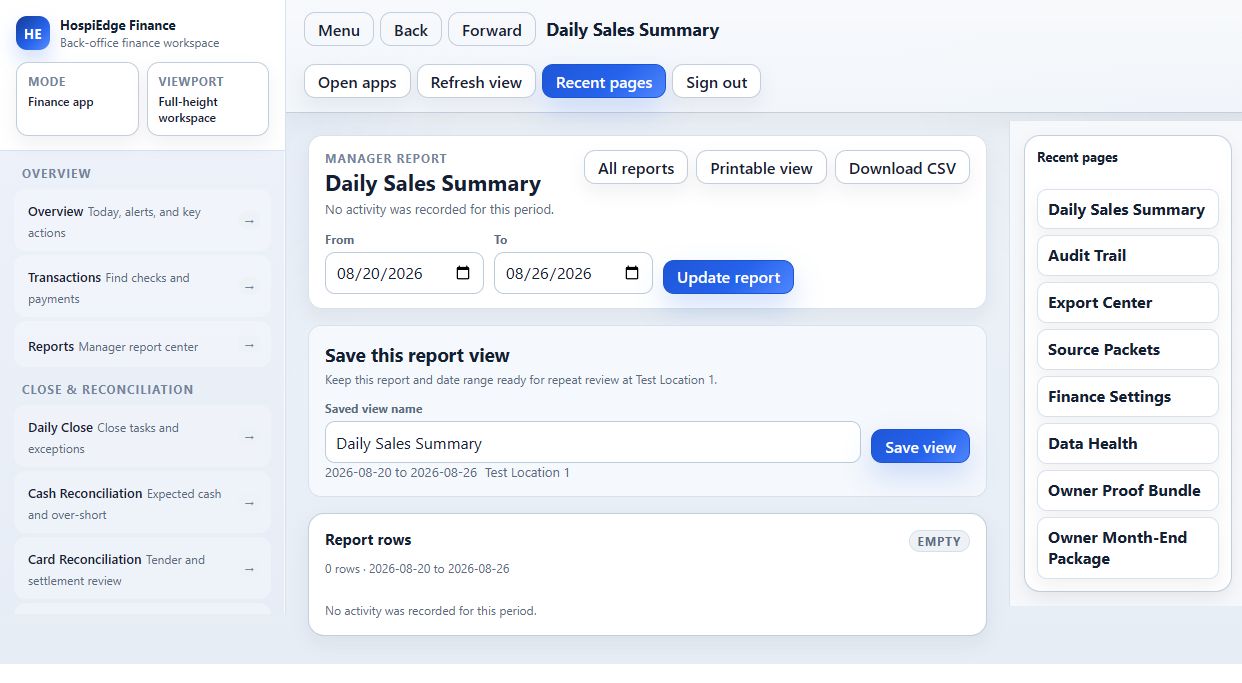
Turn each business day into a close you can explain.
HE Finance organizes the records behind the restaurant close: sales, tenders, cash, tips, labor, settlements, AP, COGS, posting rules, exceptions, and accounting exports. Managers review the day; owners and accountants can trace the result back to the operating record.

Where HE Finance fits
Best when closeout numbers live in different systems, managers cannot explain a variance, or the accountant spends more time rebuilding the day than reviewing it.
HE Finance is included with either HE Schedule or HE POS.
HE Finance is not sold separately. It is included with either the Schedule package or the POS package, and shared access is never billed twice.
Review Finance only after upstream records are clear.
Start with Schedule and POS source readiness, then reconciliation and AP, then close/export support so Finance does not invent unsupported reports.
Confirm what still stays upstream
Complete and review the relevant Schedule or POS source records before relying on Finance for a clean close.
Judge whether accounting work can stay attached to records
Sales, labor, tender, and closeout records should support the same review workflow.
Choose the next step after source fit
Use Finance when the accounting workflow is the broken system, not when upstream data is still unclear.
Review the published HE Finance plan and secure subscription checkout.
Choose an eligible plan and start a 30-day free trial through secure Stripe Checkout. Confirm the subscription and verify the owner email, then sign in to open the applications your account is authorized to use.
How HE Finance moves the work
Follow the work in the order operators feel it: what starts the workflow, what the app controls, and what should transition cleanly to the next part of the restaurant.
Intake trusted upstream records
Schedule remains labor and payroll-support truth while POS remains sales, tender, cash, business-day, purchasing, and closeout truth.
Review accounting work with lineage
Reconciliation, AP, posting rules, GL mapping, exceptions, reports, and close prep stay tied to the records that created them.
Produce cleaner close and export support
Leadership packages, proof bundles, close review, and export prep stay readable without hiding what changed upstream.
What changes when this workflow is the lead problem
Review sales, tenders, tips, cash, and labor in one close workflow
Close review starts from sales and labor records that already exist.
Surface variances and missing records before signoff
AP and reconciliation get a dedicated back-office workflow.
Keep AP, account mapping, and period-close work organized
Schedule and POS remain the upstream truth.
Give owners and accountants a clearer path from source record to report
Reports are record-linked instead of invented in finance only.
What HE Finance is built to do
This is the day-to-day work the app should cover for a restaurant team when it is unlocked through HospiEdge OS.
- Daily sales review
- Tender and cash reconciliation
- Tip and checkout review
- Labor and payroll context
- AP workflow structure
- Vendor and bill review
- GL mapping support
- Period close checklist
- Exception queues
- Accounting exports
- Owner finance dashboard
- Record-linked AI finance review
What HE Finance is built to handle
Back-office coverage starts from Schedule and POS records, then supports reconciliation, AP, GL, close review, and exports.
Close and reconciliation
- Close record review
- Sales record review
- Tender, cash, and business-day context
- Reconciliation support
- Exception visibility before signoff
Back-office workflow
- AP workflow structure
- Posting rules and account mapping support
- GL support path
- Reporting and export visibility
- Owner-level leadership package review
Record-linked context
- Labor records from Schedule
- Sales, tender, cash, and checkout context from POS
- Signed receipts and proof bundles
- Platform records for cleaner finance review
- Master AI review context when leadership needs cross-app answers
Inspect the workflow before rollout
Read the guide, review the available manual, and assign the checks your team needs before service.
Choose the best follow-up.
Compare the app stack
See how back-office review depends on Schedule and POS source records.
Open Compare the app stackRead workflow guide
Use this guide for plain-language context before choosing HE Finance.
Open Read workflow guidePricing and rollout
Open pricing after upstream data readiness is clear and Finance has a record-linked job to perform.
Open Pricing and rollout