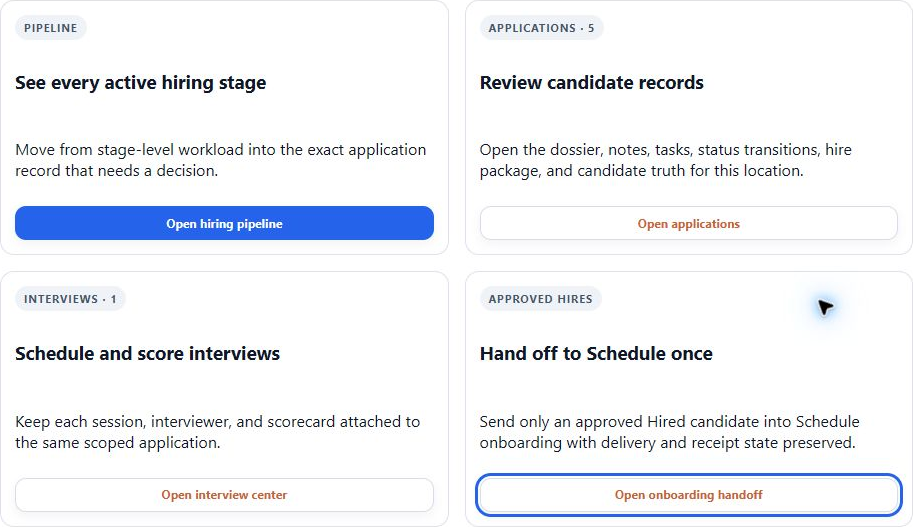
Hospi Jobs is the hiring front end of the workforce journey—not a separate product your team has to buy and reconnect. Publish restaurant and location roles, give applicants a clear mobile path, keep manager follow-up visible, and carry an accepted hire toward onboarding and HE Schedule.
The app workspaces
A workspace for each part of the restaurant.
Eight base applications cover the team, guests, service and back office. Choose the full platform or a focused package, then give each person the access their work requires.
Master AI is a Full Platform-only benefit; actual access depends on account rollout and authorization. New AI work uses credits. Business-area categories help you discover capabilities; they are not additional apps or charges.
Find the right workspace.
Restaurant application
HE Schedule
Full Platform; also HE Schedule package
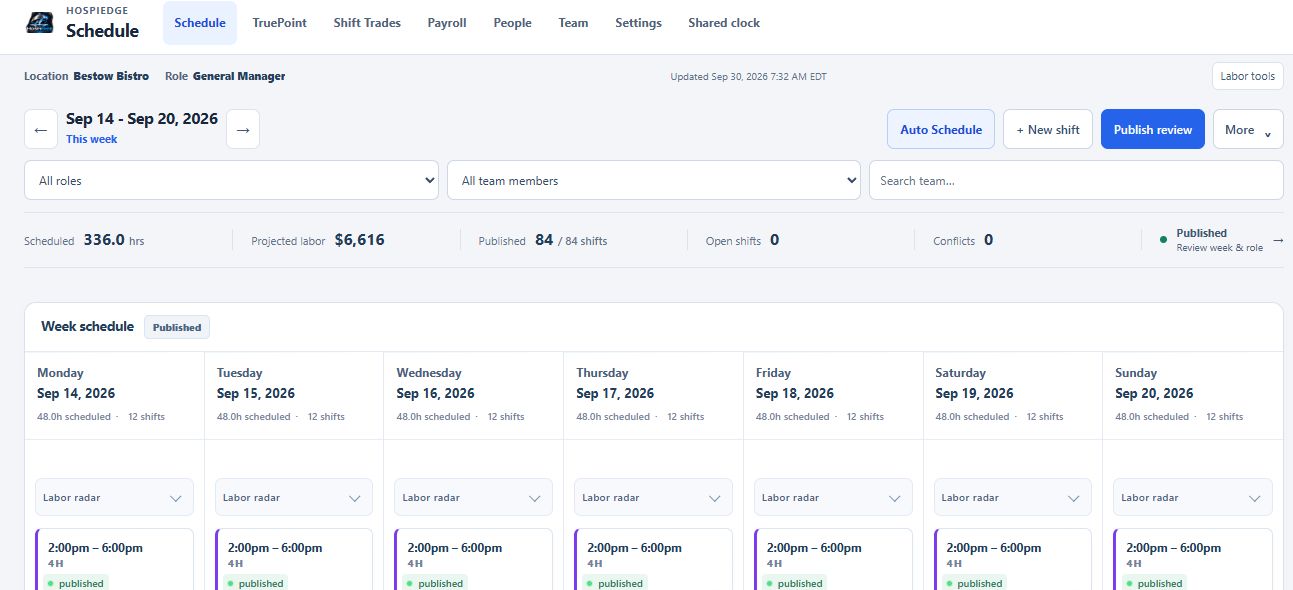
Explore the full workspace →HE Schedule brings team records, availability, time off, coverage targets, weekly planning, shift changes, time clocks, punch review, and payroll-ready records into one labor workflow. Managers can plan from the restaurant or another approved device while employees get a focused self-service path.
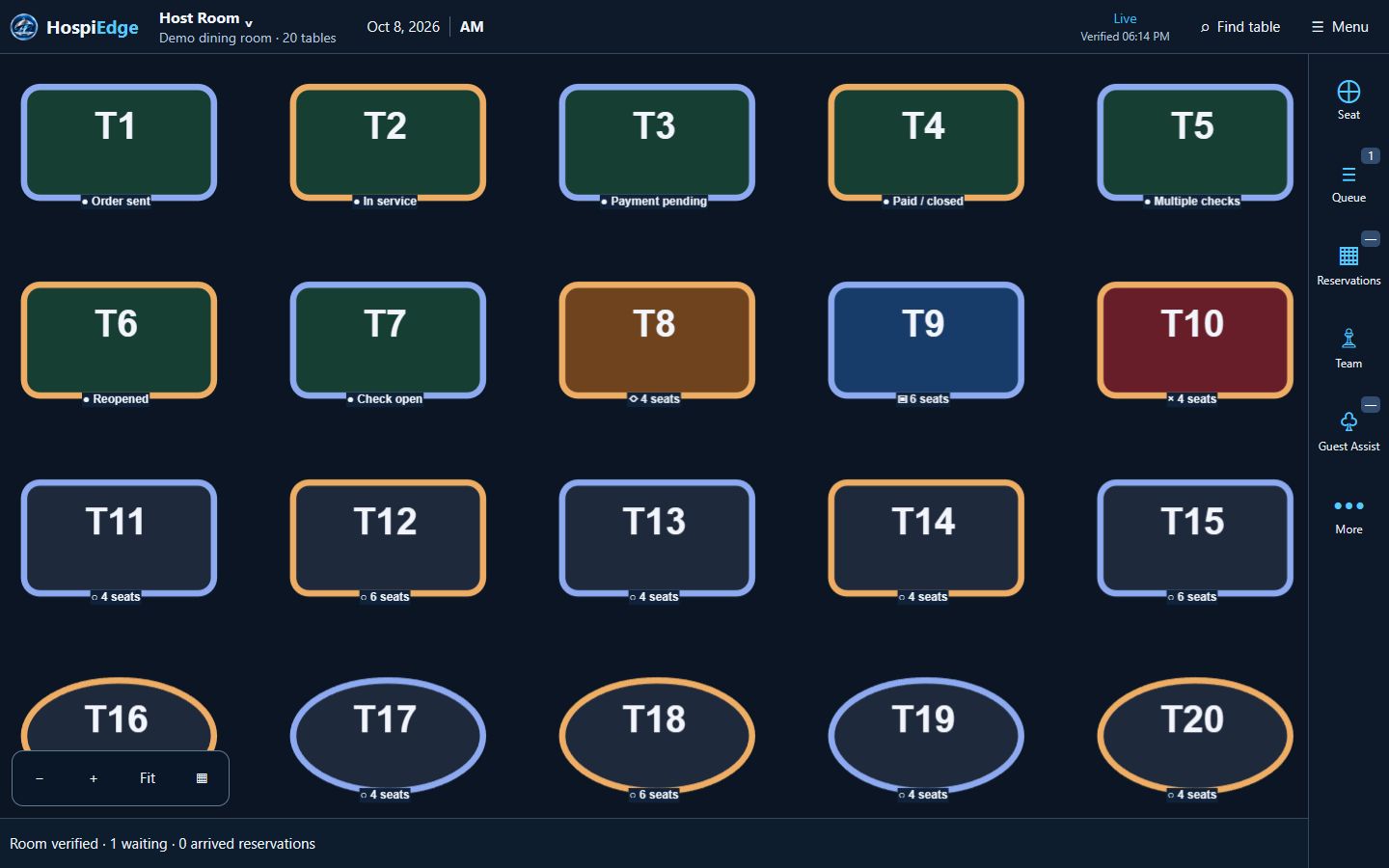
HETable brings the front door into one operating view: public reservations, walk-ins, quoted waits, a live floor plan, server sections, seating decisions, table turns, and guest communication. HETable Assist gives any guest who needs extra help a clearer way to request guidance or communicate with the team before and after seating.
HE POS keeps the service day connected from the first item through the final manager review. Teams can open and modify orders, route work to kitchen, bar, and expo, collect supported tenders and tips, close servers, count cash, review exceptions, and recover a check or business-day issue through controlled manager actions.
Restaurant application
HE Ops
Full Platform; also HE Schedule or HE POS package
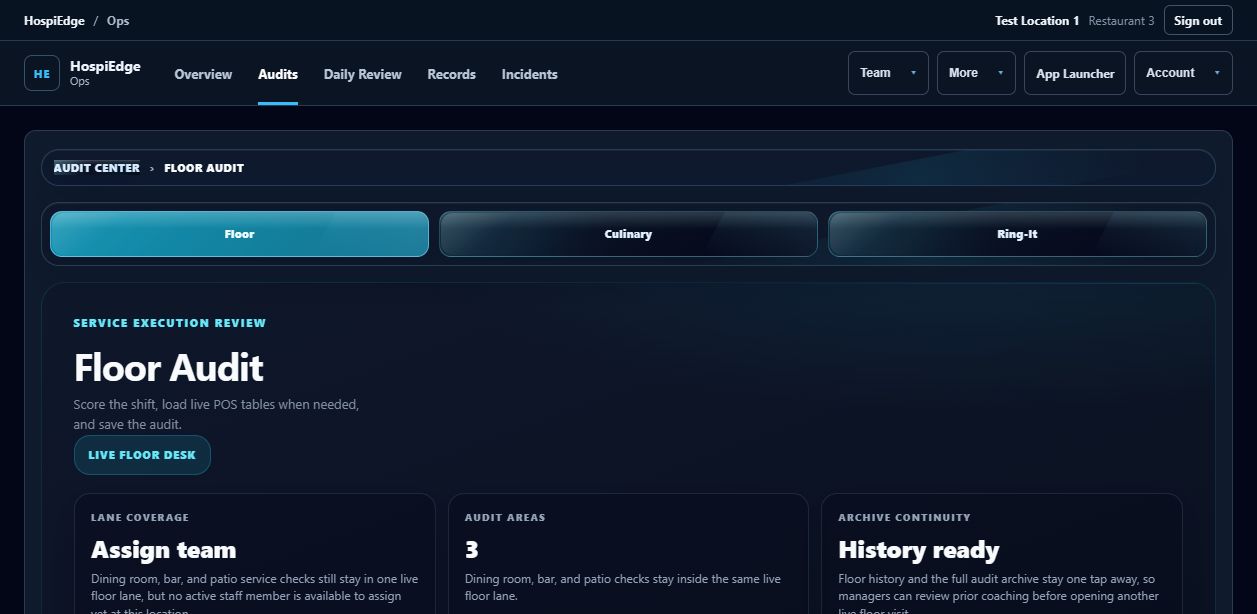
Explore the full workspace →HE Ops turns the manager day into a visible operating rhythm: plan priorities, complete opening and closing work, run line checks and audits, document incidents, hand off the shift, and keep corrective actions attached to an owner and due date.
Restaurant application
HE Finance
Full Platform; also HE Schedule or HE POS package
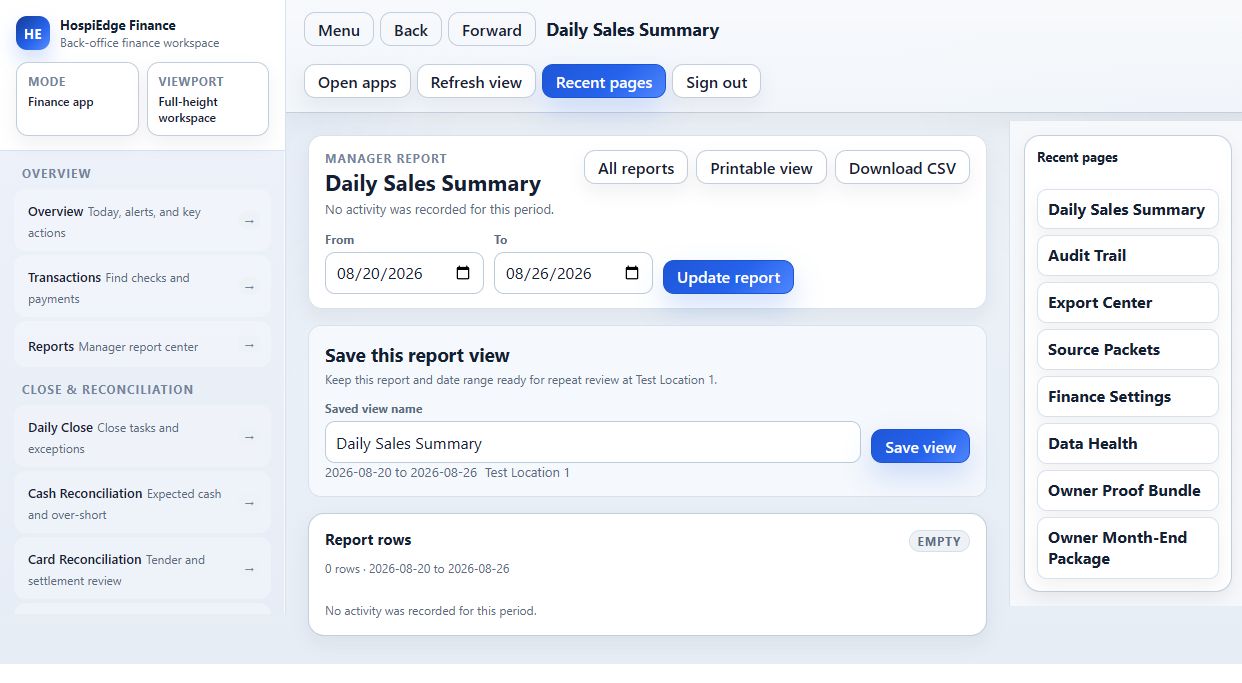
Explore the full workspace →HE Finance organizes the records behind the restaurant close: sales, tenders, cash, tips, labor, settlements, AP, COGS, posting rules, exceptions, and accounting exports. Managers review the day; owners and accountants can trace the result back to the operating record.
Restaurant application
HE Label AI
Full Platform; also HE Label AI package
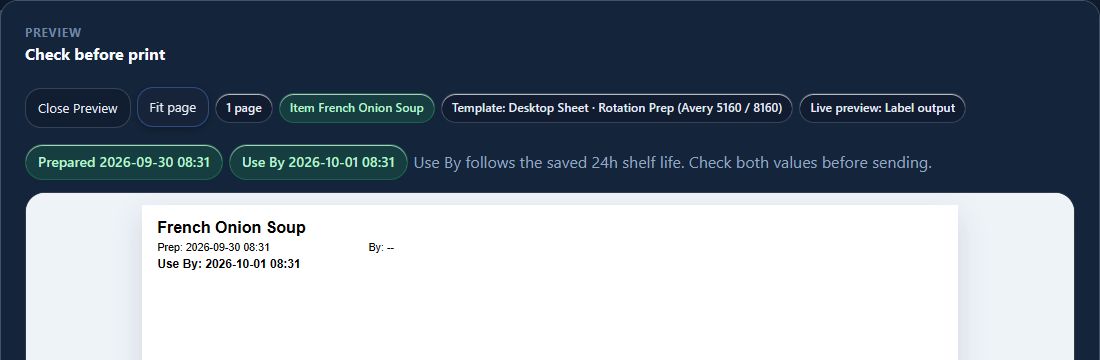
Explore the full workspace →HE Label AI helps kitchens control prep, date, allergen, shelf, and stock-pack templates, route approved output to configured stations, preview labels, and reproduce an exact prior label. Each restaurant validates its actual printer, media, connection, and sample output during implementation.
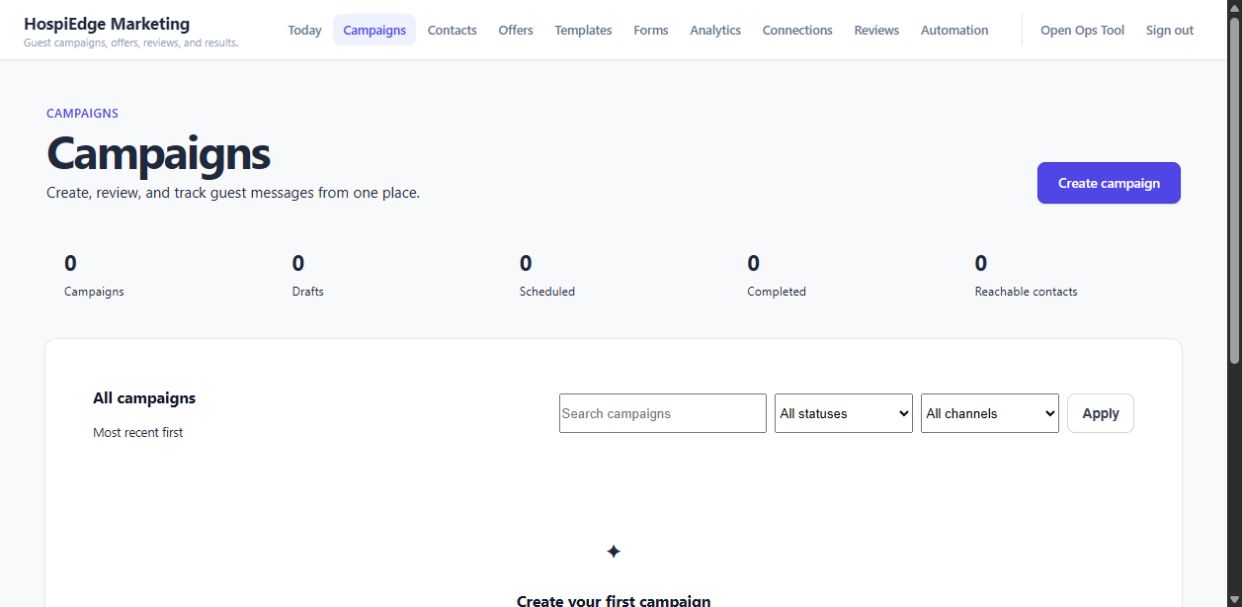
HE Marketing gives an operator a practical path from guest list to next campaign: organize contacts and consent, choose an audience, build an offer, send approved outreach, follow up on reviews, and read the response signals before deciding what to do next.
Management insight
HE Master AI
Master AI: Full Platform-only benefit subject to rollout and authorization; AI work uses credits
Explore the full workspace →HE Master AI is a Full Platform-only benefit; actual access depends on account rollout and authorization. It reviews approved records across labor, guest flow, service, operations, finance, labels, hiring, and marketing, then links findings and recommendations back to the source workflow for human review.
Work moves between the right apps.
Follow an approved hire into onboarding, a party into its linked check or receiving records into financial review. Each supported handoff has its own source, receiver and setup.
Explore the seven connected journeys →See the actual software.
Real demo captures, with task captions and visible material limits. Open any image at full size.