
Start with the missed handoff
Illustrative scenario—not a customer record or live Ops screen: a closing manager notices that a prep-station checklist exception was still open, mentions it in a group text, and leaves. The opening manager sees the text after service begins, but does not know the business date, location, responsible person, due time, or what would count as verified completion. A useful handoff turns that uncertainty into one reviewable next action.
Record the issue in context
Capture the business date, restaurant and location, shift, issue, and supporting evidence. The current Ops surfaces support dated manager logs with wins, issues, and narrative, plus audit and incident records with date, title, category or type, severity, status, description, and manager notes. A note is a record of what someone wrote; it is not proof that the underlying task was completed.
Assign the next action and status
For a checklist exception, the maintained Ops contract requires a note, an evidence reference, a scoped owner, a due date, and a verification standard. The supported item states are pending, done, not applicable, and exception; an exception is not complete until the owner and review standard are clear. Planner work also carries a title, description, priority, due date, and status so the next shift can see what remains.
Illustrative handoff example
Illustrative template only: Business date: September 20, 2026. Location: Main dining room. Shift: close. Issue: prep-station checklist item was marked Exception because the closing temperature check was not recorded. Responsible person: closing manager. Due: before the next opening review. Supporting evidence: the checklist entry and the manager log reference. Status: Exception, then Pending while the owner checks the station. Verification standard: the opening manager records the new check and reviews the result. Next-shift action: confirm the result, keep the original exception visible, and close only after the stated standard is met. This example describes a review method; it does not claim a live record exists or guarantee a safety outcome.
Use this privacy-safe handoff template
Keep the template illustrative and omit guest, employee, payment, password, and other sensitive details. Check or copy the fields into the supported record that owns the work; these boxes do not save anything to HospiEdge.
Choose the workflow by asking better questions
Ask whether the product keeps restaurant and location scope attached, whether managers can distinguish a note from a verified completion, which roles may assign or review an exception, how due dates and status changes remain visible, and how the next manager sees the original context. Also ask what happens when evidence is missing, a person changes shifts, or the connection is unavailable.
Where HE Ops fits
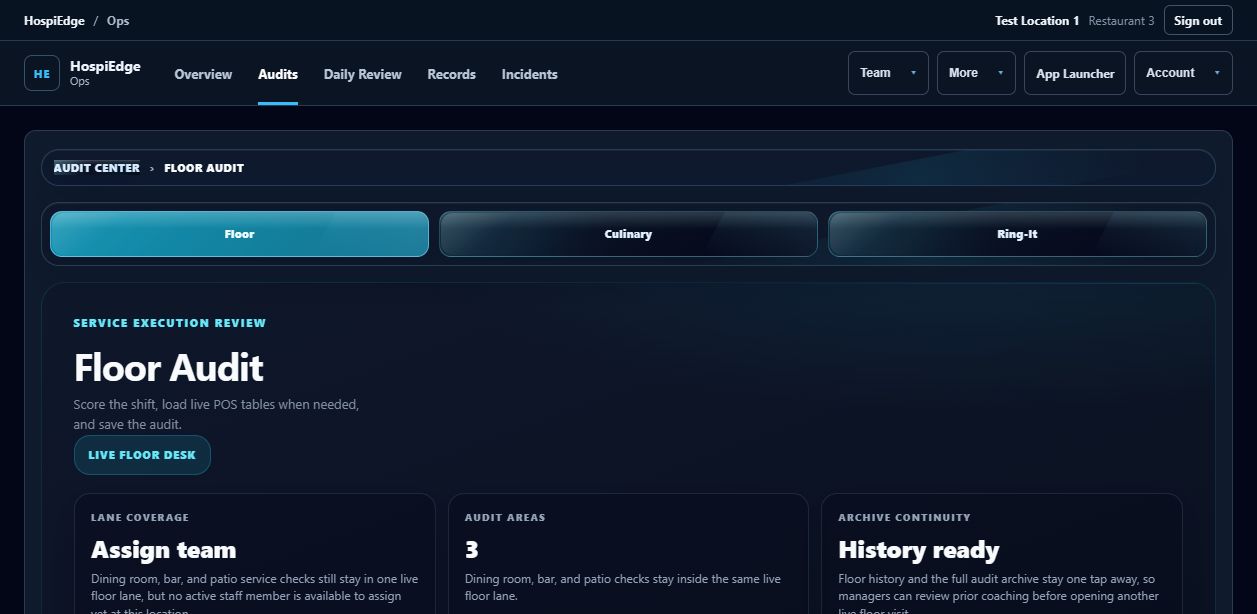
HE Ops is the manager-execution workflow for daily planning, audits, incidents, logs, coaching, and follow-through. It is included with the HE Schedule and HE POS packages and with the Full Platform; it is not a standalone purchase. Use the product page and current pricing to confirm the package that fits your restaurant, then request a walkthrough before making a rollout decision.
 View full size ↗