
Connect each employee punch to the right shift
A restaurant employee time clock is useful only when each punch retains the employee, restaurant, location, role, business date, and scheduled shift. Compare punches with planned coverage and flag missing, duplicate, overlapping, out-of-schedule, or break-related records for review. A network problem must not silently become an absent employee or zero hours.
Give corrections an owner and preserve history
Assign missed punches, callouts, break questions, and corrections to the responsible reviewer. Keep the original record, proposed change, reason, reviewer, and approval state visible. An employee may request a correction without gaining manager access to another person’s records.
Review the period before export
Check hours, configured rates, tips, labor exceptions, role and location scope, the exact pay period, and the packet revision. A payroll-ready export is reviewed preparation; it does not establish that a provider accepted the file, wages were paid, or every employment rule was satisfied.
Ask what happens at each boundary
Can a manager explain every exception? Can an employee request a correction? What happens when a period is locked? Which role may reopen it? Which source and revision produced the export? Test these transitions with fictional records and keep any downstream submission receipt separate.
Start with the Schedule workflow
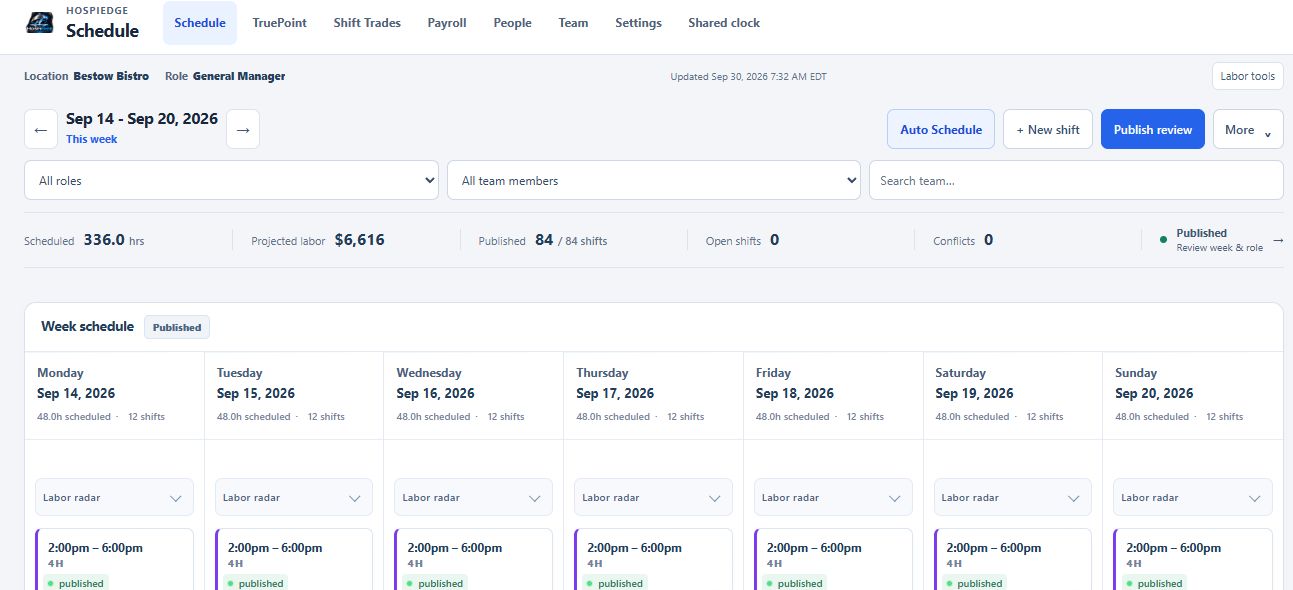
HE Schedule connects planning, employee self-service, punches, labor review, and payroll preparation. Review the workforce manual and printable checklist, then assign who owns corrections, approvals, export review, and any provider handoff.
 View full size ↗